SketchUp plugins for AV professionals

AV design tools for SketchUp.
From real product data, not from scratch.

LED walls, truss layouts and projection studies — one workflow, real manufacturer data.

Dseconds AV Tools automates repetitive technical drafting in AV design. Pick real products, place them in SketchUp, and turn them into production-ready layouts and data.

LED Wall Designer, Truss Designer and Projector Designer are available now, Free and PRO.

Three plugins. One workflow.

Three tools, one AV workflow. Real manufacturer data, production-grade output, metric and imperial support.
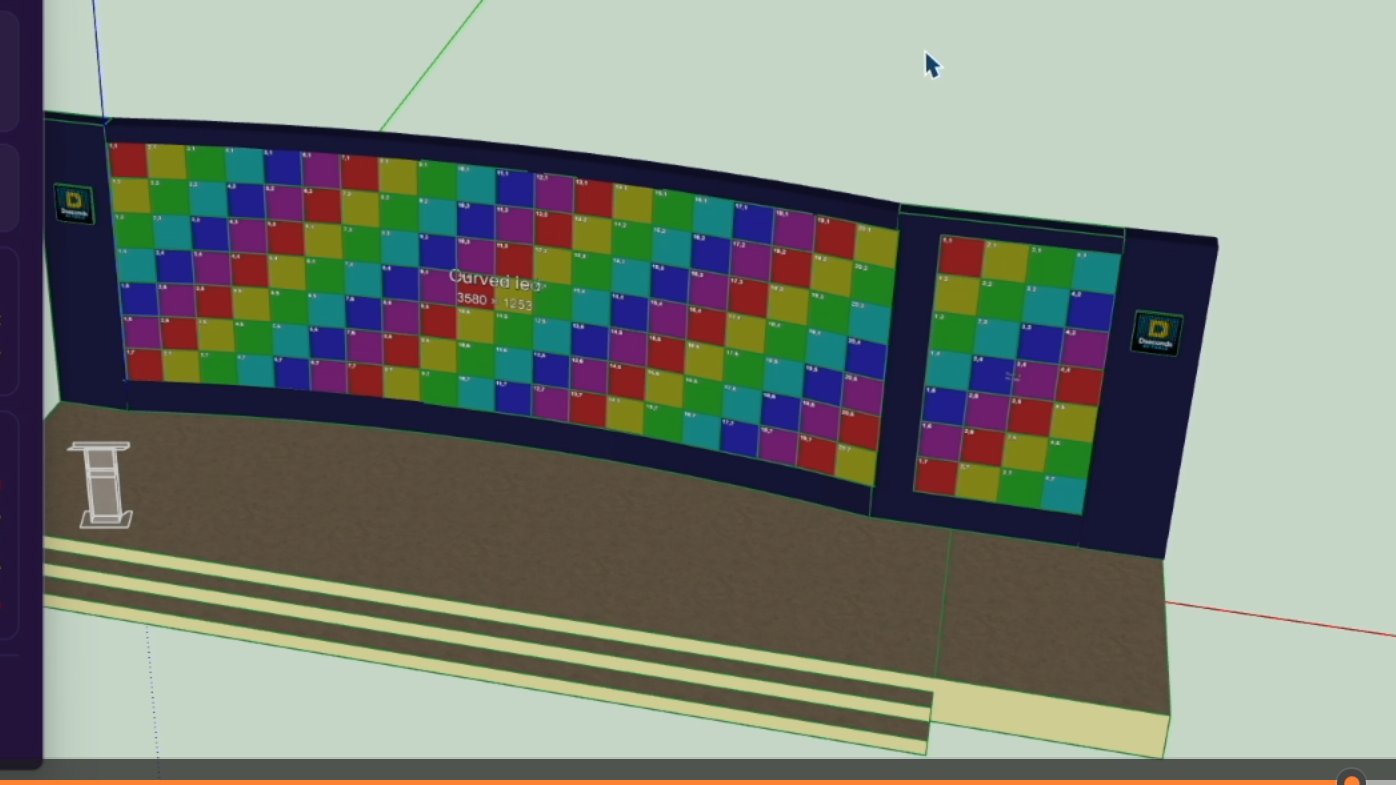
LED Wall Designer — curved LED wall generated on stage
LED Wall Designer
Available now · Free + PRO

Flat and curved LED walls from real cabinet data.

  • 40+ panels from leading manufacturers
  • Flat, curved and multi-section walls
  • Live dimensions, resolution, weight and panel count
  • BOM export
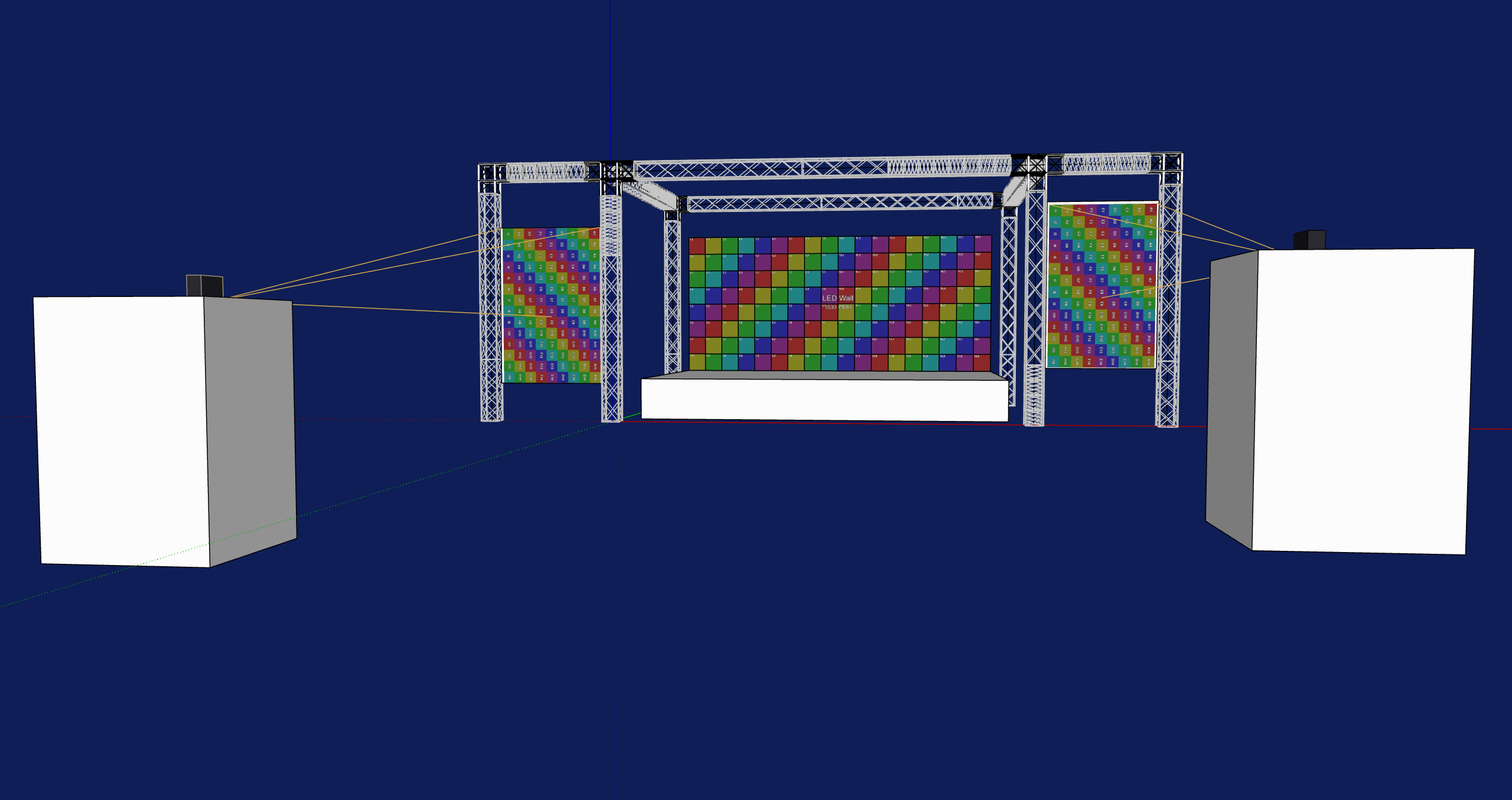
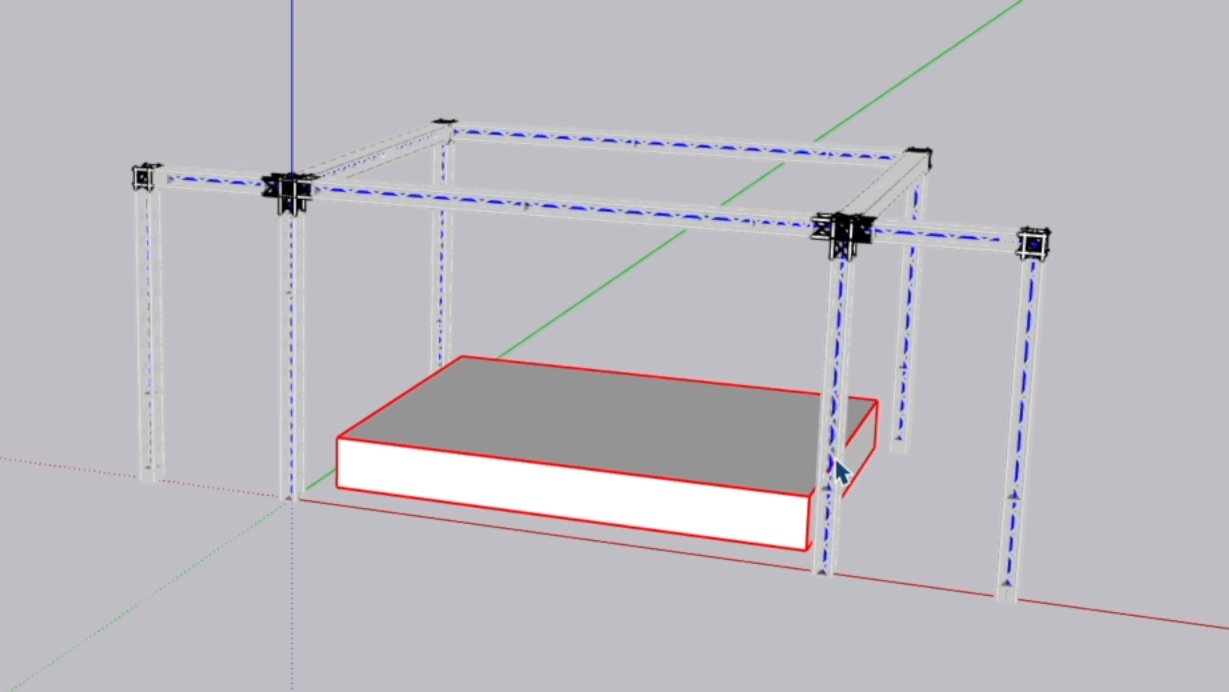
Dseconds Truss Designer — full truss rig generated from path
Truss Designer
Available now · Free + PRO

Production truss layouts from SketchUp paths.

  • 27 real truss series
  • Place Along Path in Free and PRO
  • Full Layout (PRO): complete layouts inside your drawn path, automatic piece-length fitting and connectors
  • Manufacturer catalogue load data
  • BOM and production reports
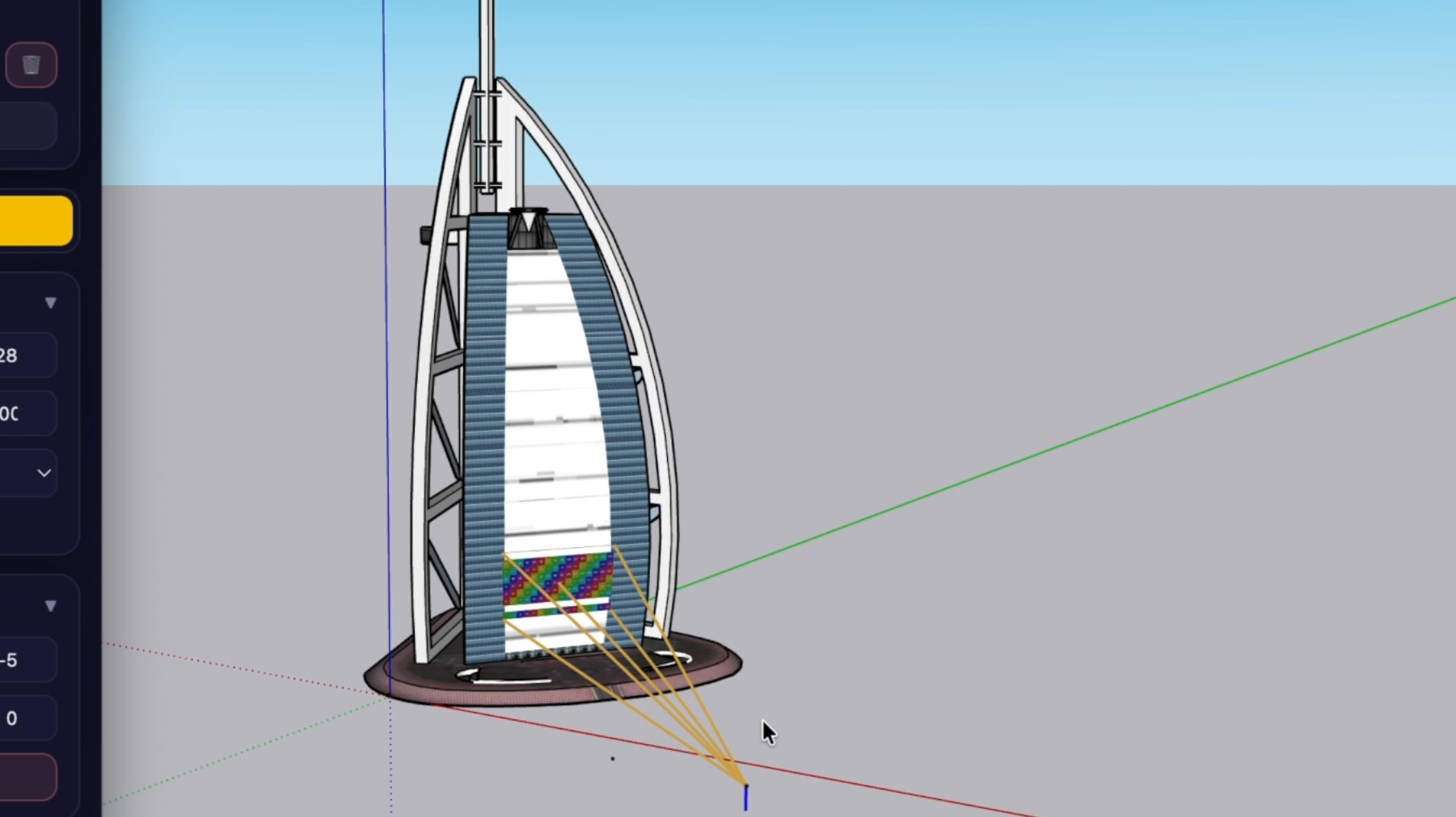
Projector Designer — projection beams on architectural scene
Projector Designer
Available now · Free + PRO

Real projector and lens data for 3D projection studies.

  • 34 projector models and 107 lenses from 4 manufacturers
  • Throw, zoom and lens shift from the selected lens
  • Two-click placement on projection surfaces
  • Live 3D projection coverage, BOM and project report
How it works

One workflow. From model to production data.

Different tools, the same four steps — inside SketchUp, from start to finish.

01 · Model

Start from your normal SketchUp geometry.

02 · Automate

Choose real AV products and let Dseconds build the repetitive geometry.

03 · Verify

See dimensions, counts, weights, coverage and catalogue data as you design.

04 · Export

Generate BOMs and production data for the next step of the project.

Different tools. The same workflow. Less repetitive drafting.

WHY WE BUILT THIS

Why Dseconds Exists

AVL production runs on repetition.
The same LED walls drawn cabinet by cabinet. The same truss segments placed one by one. The same bill of materials compiled by hand — project after project.

Hours of technical drafting are spent recreating information that already exists.

Dseconds was built by AVL professionals who got tired of rebuilding the same geometry from scratch every time. The technical groundwork — cabinet counts, segment lengths, product codes, weights, quantities — should take seconds, not hours.

Our tools handle the repetitive work so you can focus on what actually requires your expertise: the design, the client, the show.

Built for workflows SketchUp was never designed to handle. Until now.
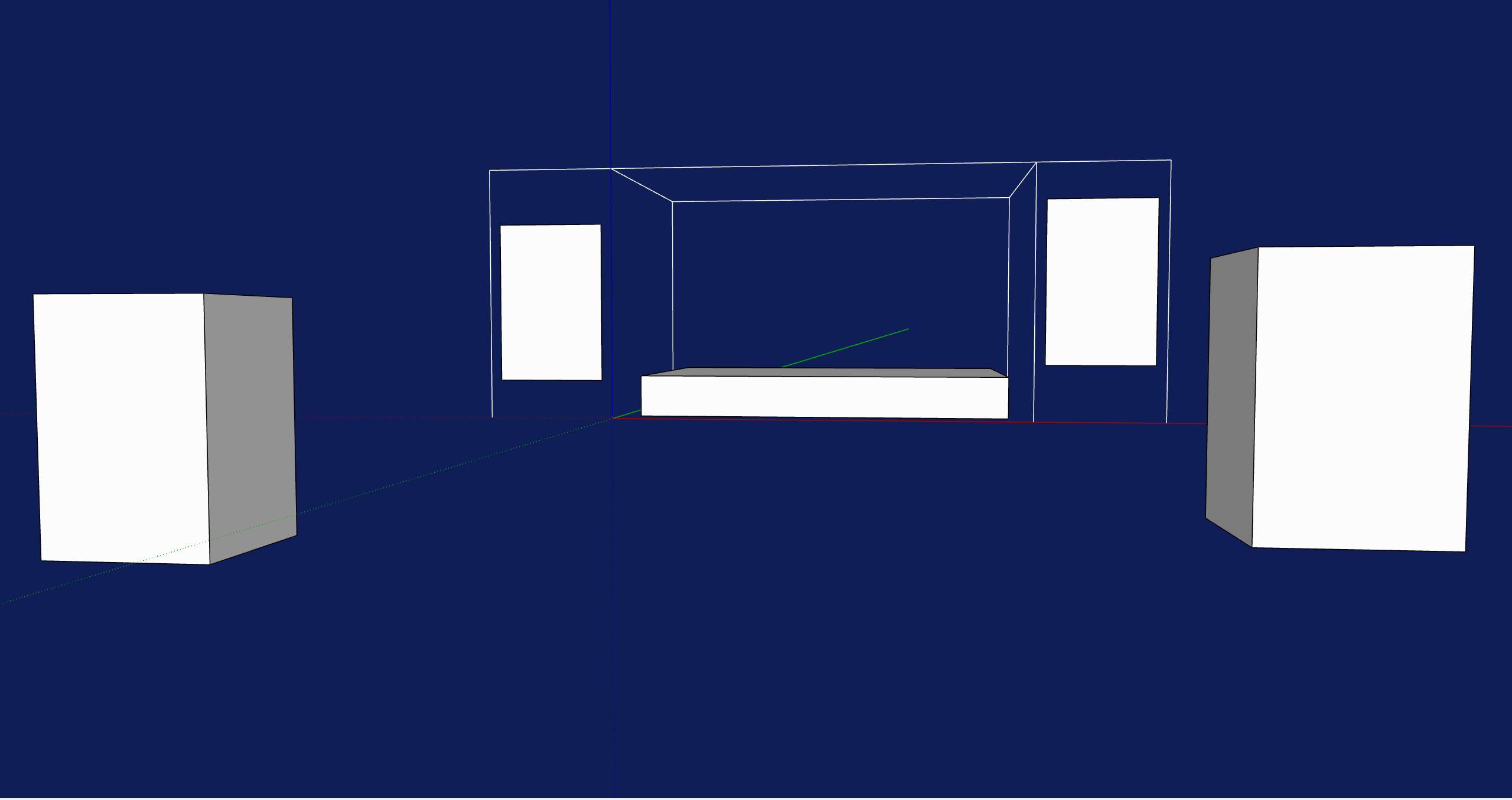
Empty SketchUp model before Dseconds
BEFORE
Complete AV layout generated with Dseconds
AFTER — minutes, not hours
See pricing
Pricing

LED Wall Designer PRO, Truss Designer PRO and Projector Designer PRO are available now.

LED Wall Designer PRO, Truss Designer PRO and Projector Designer PRO are available now at Founder launch pricing. Subscribe during the Founder launch period to keep your Founder renewal price while your subscription remains continuously active. A future major update that introduces significant new features or capabilities may be offered under new pricing; existing Founder customers will receive a dedicated transition offer or discount for that major update. Projector Designer PRO and the Suite Bundle are coming soon.

Prices shown exclude applicable VAT and taxes. Final taxes are calculated at checkout based on your billing location.

LED PRO · AVAILABLE NOW

LED Wall Designer PRO

Standard price
$149/year
Founder price
$99/year
Save $50/year · 34% off

Keep your Founder rate while your subscription remains active.

Founder pricing is available during the Founder launch period.

  • 40 models across 10 manufacturers
  • Weight, power, dimensions and BOM
  • HTML export and full reporting
  • All updates and new features included
Get LED Wall Designer PRO — $99/yr

Your Founder rate remains active while your subscription renews without interruption.

Prices shown exclude applicable VAT and taxes. Final taxes are calculated at checkout based on your billing location.

TRUSS PRO · FOUNDER LAUNCH

Truss Designer PRO

Standard price
$129/year
Founder price
$89/year
Save $40/year · 31% off

Keep your Founder rate while your subscription remains active.

Founder pricing is available during the Founder launch period.

  • Full Layout and unlimited truss runs
  • 27 series across 6 manufacturers
  • UDL lookup from manufacturer catalogue data
  • HTML & CSV report export with your client logo
  • All updates and new features included
Get Truss Designer PRO — $89/yr

Prices shown exclude applicable VAT and taxes. Final taxes are calculated at checkout based on your billing location.

PROJECTOR PRO · FOUNDER LAUNCH

Projector Designer PRO

Standard price
$129/year
Founder price
$99/year
Save $30/year · 23% off

Keep your Founder rate while your subscription remains active.

Founder pricing is available during the Founder launch period.

  • Unlimited projectors per model
  • 34 models and 107 lenses across 4 manufacturers, plus custom projectors
  • Preview and Good previz, native-resolution PNG export
  • BOM, projector placement data and HTML report with your client logo
  • All updates and new features included
Get Projector Designer PRO — $99/yr

Prices in US dollars (USD). Prices shown exclude applicable VAT and taxes. Final taxes are calculated at checkout based on your billing location.

Suite Bundle

Dseconds AV Tools Suite Bundle

All three PRO tools in one annual subscription. LED Wall Designer, Truss Designer and Projector Designer — the complete AV design workflow inside SketchUp.

PRO launch coming soon.

Join the waitlist
Roadmap

A complete AV workflow ecosystem.

Coming next

  • Expanded manufacturer databases
  • Media server export workflows
  • Stage design workflows
  • Advanced production exports
  • Suite Bundle launch

Scope and focus

The first roadmap focuses on LED, truss, projection and stage workflows. Lighting and audio design are intentionally out of scope for now.

Built by industry professionals from within the live events and AV production sector — not a generic software tool.

Frequently asked questions.

Quick answers before you start. For plugin-specific questions visit each plugin page.

Do I need a specific version of SketchUp?
All Dseconds plugins require SketchUp 2024 or later. Earlier versions are not supported. SketchUp Pro or Studio is recommended.
How do I install the plugins?
Download the .rbz file and install via Extensions → Extension Manager → Install Extension in SketchUp. No restart required.
Which products are available today?
All three plugins are available for download today: LED Wall Designer 3.0.4, Truss Designer 4.6.9 and Projector Designer 1.3.4. Each is a single unified download that runs in Free mode and unlocks PRO with a licence key. LED Wall Designer PRO, Truss Designer PRO and Projector Designer PRO can be purchased now at Founder launch pricing. The Suite Bundle is not on sale yet — join the waitlist for launch notifications.
Can I try the plugins for free?
Yes. Every plugin has a free version with no time limit and no credit card required. For LED Wall Designer, the free download is the complete plugin running in Free mode — you can evaluate the full workflow before buying.
Do I need a separate download for PRO? (LED Wall Designer)
No — if you use the unified 3.0.0 release or a later compatible release. There is one download: the plugin runs in Free mode without a license, and entering a valid PRO license key unlocks the full PRO feature set instantly, with no reinstall. Note: Free versions older than 3.0.0 do not support PRO licensing — see the migration questions below.
Can I use my PRO license with an older Free version?
No. PRO licensing is supported by the unified 3.0.0 release and later compatible releases. Free versions older than 3.0.0 cannot be unlocked with a license key — they must be removed and replaced with the new unified version.
I already have an older Free version. What should I do?
Uninstall the old version from SketchUp (Extensions → Extension Manager), download the unified 3.0.4 release, install it via Extensions → Extension Manager → Install Extension, then enter and activate your PRO license from the plugin's License panel. This is a one-time migration — it is only needed when coming from versions older than 3.0.0.
Will I need to reinstall the plugin for future updates?
From version 3.0.0 onward, future compatible updates are designed to be installed without first uninstalling the current version. The one-time uninstall/reinstall is only required when migrating from versions older than 3.0.0.
How do I activate my PRO license?
After purchase, LemonSqueezy emails you a license key. In SketchUp, open the plugin's License dialog, paste the key and click Activate (an internet connection is required for activation). PRO features unlock immediately — no restart, no reinstall.
What happens if I deactivate or cancel my license?
The plugin simply returns to Free mode. Your SketchUp models and all existing wall, truss and projector data stay intact (Projector Designer keeps PRO-made projectors, including custom projectors, visible and read-only in Free mode). Each license covers one active machine at a time, so deactivating on one computer frees the license for activation on another. If you cancel your subscription, access continues until the end of the current billing period.
What is the difference between FREE and PRO?
Free versions give you the full plugin workflow with a limited product selection so you can evaluate before committing. PRO unlocks the complete manufacturer database, advanced export and production BOM. For LED Wall Designer, the free download is the complete plugin running in Free mode — a PRO license key unlocks it instantly. For Projector Designer, Free places one projector per model on two catalogue models with real lens data, including the checkerboard grid; PRO adds the full 34-model, 107-lens catalogue, unlimited and custom projectors, Preview/Good quality, native-resolution PNG export, BOM and projector placement data, the HTML report, world-frame coordinates and your client logo. Each plugin page has a detailed FREE vs PRO comparison.
Can I use the plugins on both Windows and Mac?
Yes. The plugins run on both platforms wherever SketchUp Pro is supported. Development and testing is primarily on Windows; Mac compatibility is maintained.
How is billing handled?
Subscriptions are annual and processed by LemonSqueezy, our Merchant of Record. They handle all payments, invoicing and VAT compliance worldwide, and you receive a proper invoice after every payment. Your subscription renews automatically each year at your locked-in price, and you can cancel anytime from the LemonSqueezy customer portal. Prices shown exclude applicable VAT and taxes. Final taxes are calculated at checkout based on your billing location.
How do I buy Projector Designer PRO?
Projector Designer PRO is available now at the Founder price of $99/year (regular price $129/year, USD). Click Get PRO on the Projector page and check out via LemonSqueezy; your licence key arrives by email. Install the free download, open Extensions → Dseconds Projector Designer → License / Activation…, paste the key and click Activate. Each licence has one activation (one active machine at a time).
Can I cancel my subscription?
Yes, at any time from your LemonSqueezy customer portal. Your access continues until the end of the current billing period.
How long is the Founder price available?
Founder prices (USD, per year): LED Wall Designer PRO $99 (regular $149), Truss Designer PRO $89 (regular $129), Projector Designer PRO $99 (regular $129). Founder prices are available only during the Founder launch period. If you subscribe during this period, your rate remains locked while your subscription stays active and renews without interruption. When a future major update introduces significant new features or capabilities, it may have new pricing. Existing Founder customers will receive a dedicated transition offer or discount.
Founder Waitlist

The Suite Bundle — get notified at launch.

LED Wall Designer PRO, Truss Designer PRO and Projector Designer PRO are available now. The Suite Bundle launches next — register below to get launch notifications and early access. Suite pricing will be announced at launch.

D
Dseconds Support
Typically replies instantly
Hi 👋 I'm the Dseconds plugin support assistant. Ask me anything about installation, plugin usage, or pricing — I respond in your language. 🌍